WoodMart WooCommerce Theme Review 2026: Is It Still Worth $59?

WoodMart WooCommerce Theme Review: My Honest Take After Building a Store With It
If you’ve spent any time browsing ThemeForest for a WooCommerce theme, you’ve almost certainly run into WoodMart. It’s sitting at the top of the eCommerce category with over 117,000 sales and a 4.91-star rating from more than 3,600 reviews — numbers that are hard to ignore when you’re picking a theme for a store you actually plan to make money from.
I wanted to see if the hype holds up in practice, so I picked up WoodMart, built a demo store with it, and pushed it through the kind of setup a real online shop would need — product variations, filters, mobile testing, page speed checks, the works. Here’s what I found, the good and the not-so-good.
What Is WoodMart?
WoodMart is a multipurpose WooCommerce theme by xtemos, a Power Elite author on Envato with a long track record of eCommerce themes. It’s built to work as a starting point for pretty much any kind of online store — fashion, furniture, electronics, jewelry, grocery, marketplaces — rather than locking you into one niche layout.
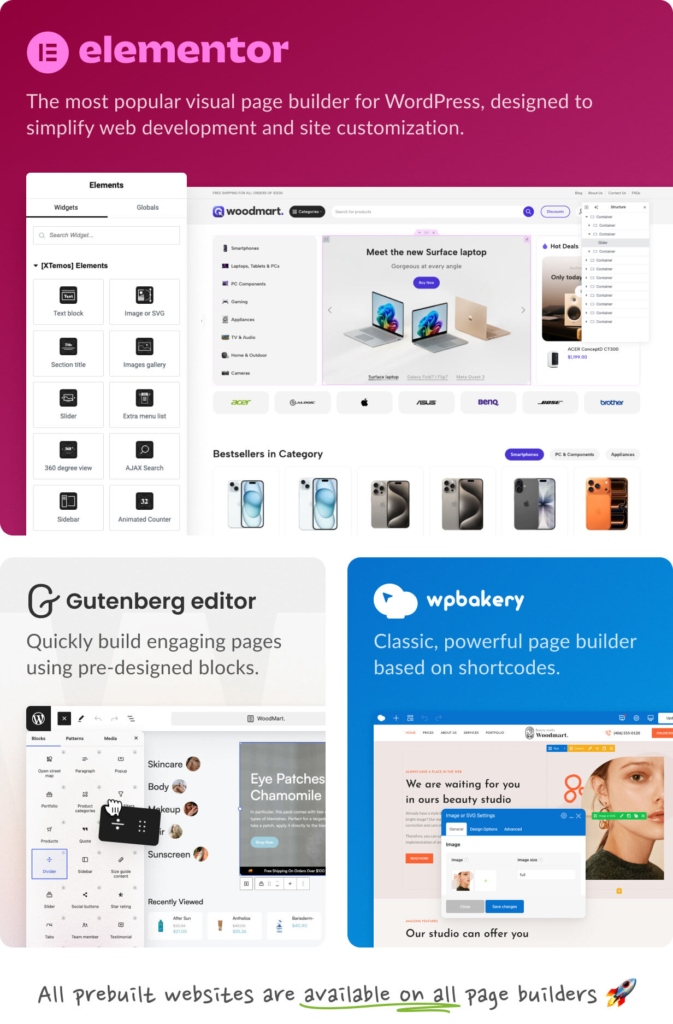
It’s compatible with Elementor, WPBakery (included free), and Gutenberg, so you’re not forced into a page builder you don’t already know.
First Impressions
The first thing that stood out to me was how much WoodMart tries to remove the “separate plugin for everything” problem that plagues a lot of WooCommerce builds. Wishlist, compare, quick view, product swatches, abandoned cart recovery, size guides, a price tracker — these are usually things I’d install five different plugins for, and here they’re already baked in.
That matters more than it sounds. Every extra plugin is another thing that can conflict with your theme, slow your site down, or break after a WordPress update. Having 25+ of these features built directly into the theme is genuinely one of WoodMart’s strongest selling points.
Demo
Woodmart offers over 100 pre-built design for ecom stores. So here you can see few screenshots of the pre-built designs.
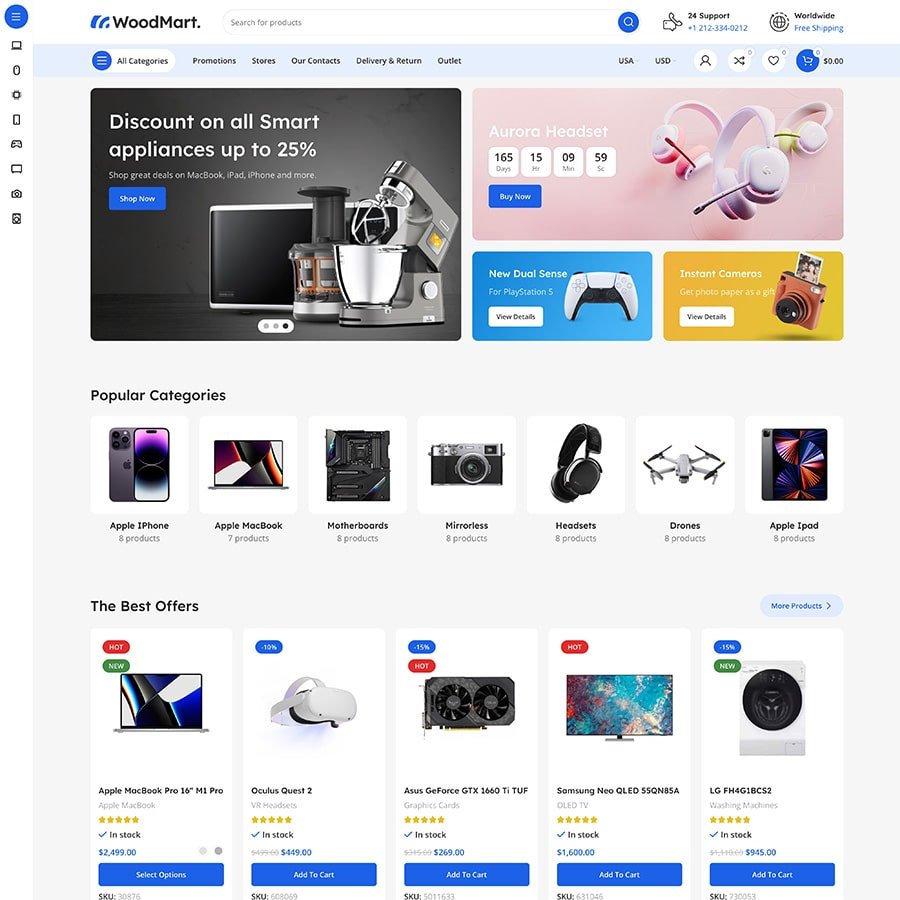
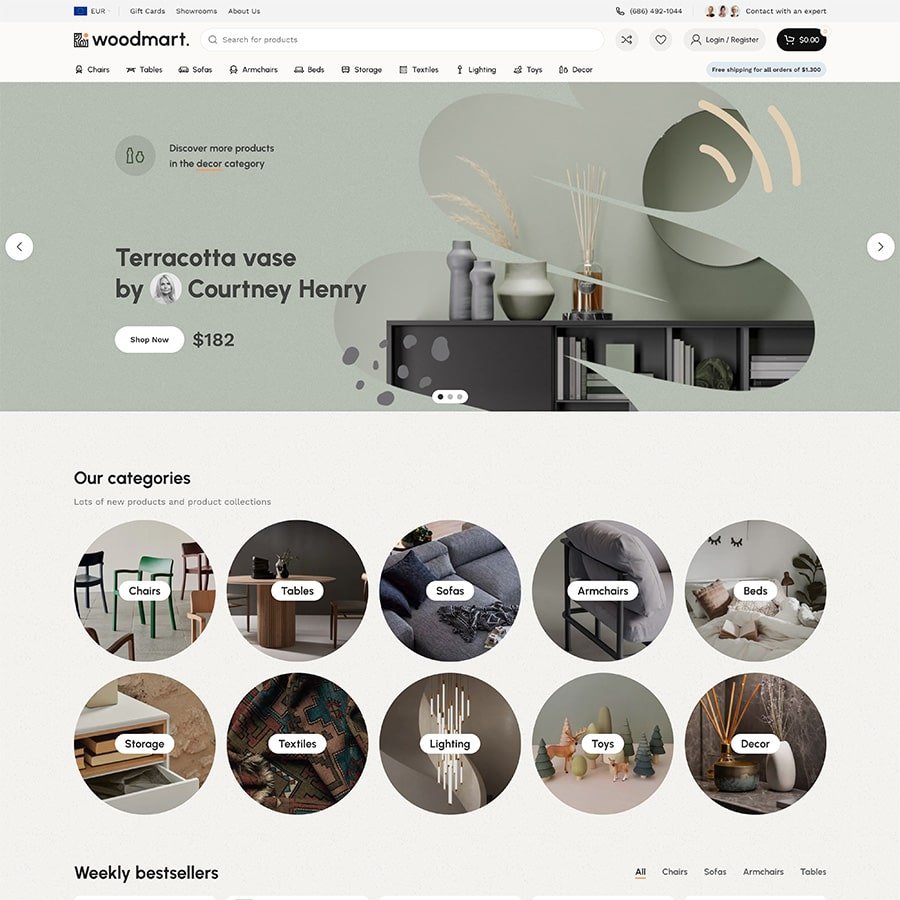
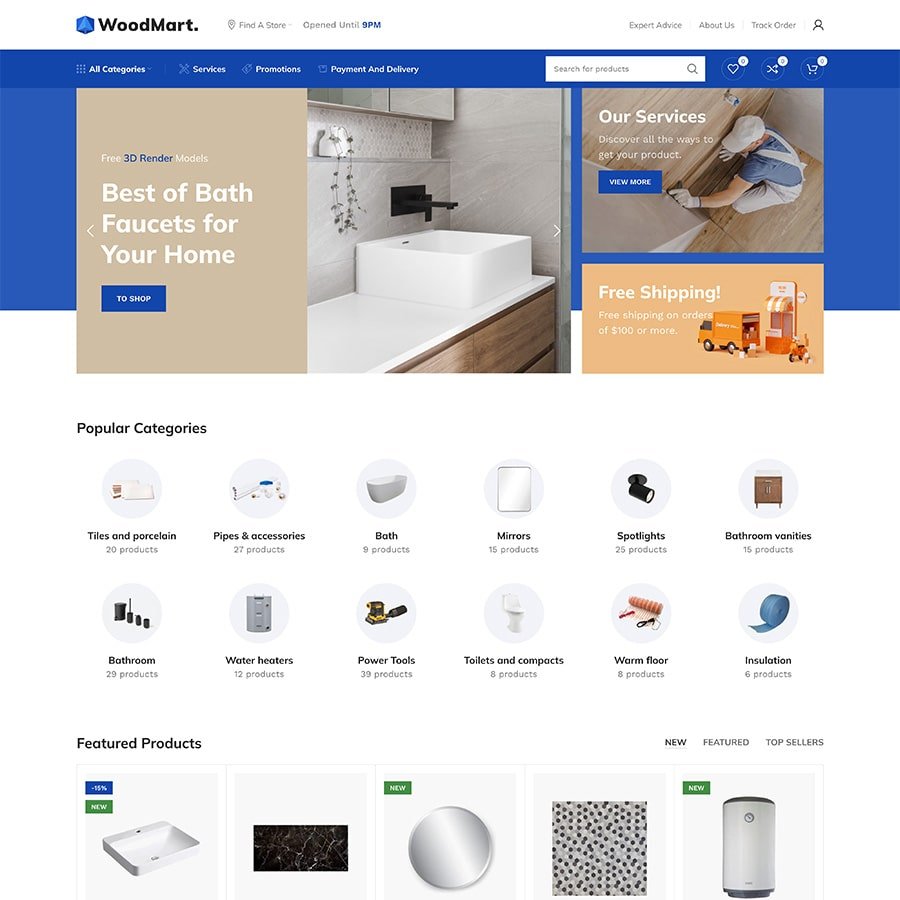



Key Features I Actually Tested
1. The Visual Builders
WoodMart isn’t just a theme with a settings panel — it comes with dedicated drag-and-drop builders for the header, shop page, single product page, cart, checkout, and even the “My Account” dashboard. I was able to rebuild my product page layout — moving the gallery, tabs, and related products around — without touching a line of CSS.
If you’ve used a page builder before, the learning curve here is short. If you haven’t, it’s still approachable, though I’d budget a weekend to get comfortable with all the moving pieces.
2. Page Speed and Core Web Vitals
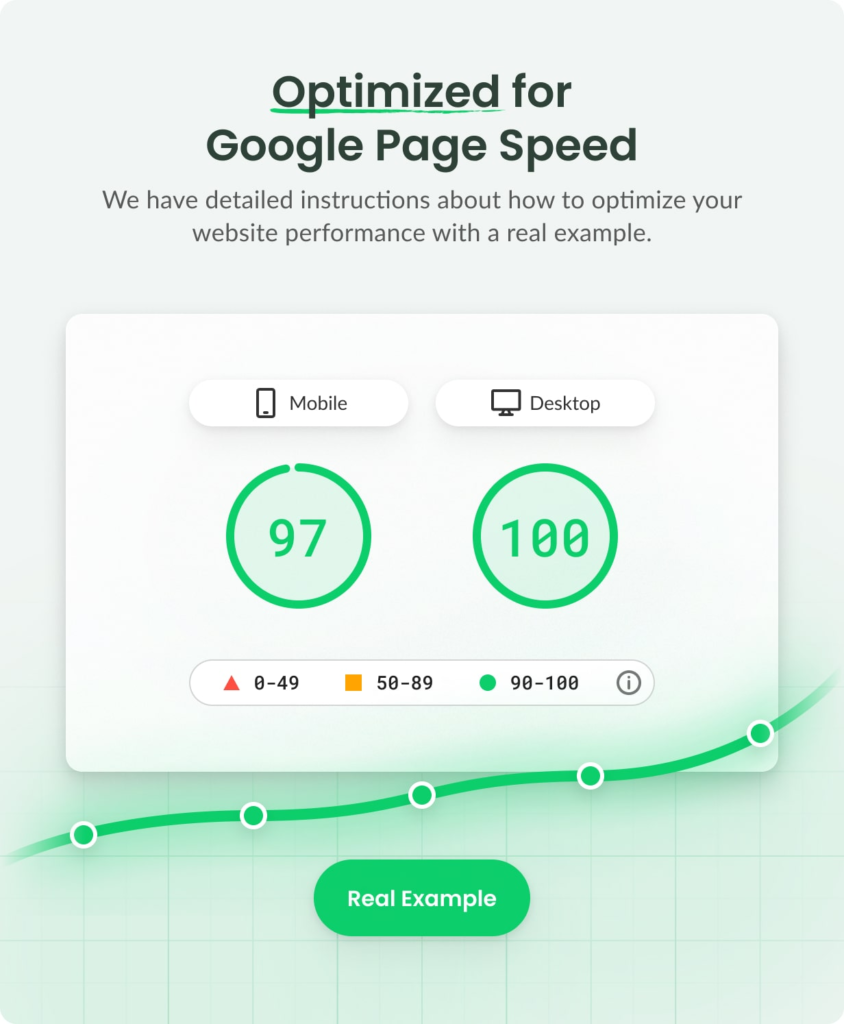
This is where a lot of “feature-heavy” themes fall apart — the more they can do, the slower they tend to get. WoodMart handles this by loading only the CSS and JavaScript a given page actually needs, rather than shipping everything on every page load. Combined with the built-in Image Optimizer (WebP conversion, lazy loading, LCP preloading), I was able to get my test store into the 90+ PageSpeed range without disabling any features.
Page speed isn’t just a vanity metric here — it directly affects both your Google rankings and how many visitors actually convert into buyers, so this is worth taking seriously when you’re comparing themes.
3. AJAX Everything
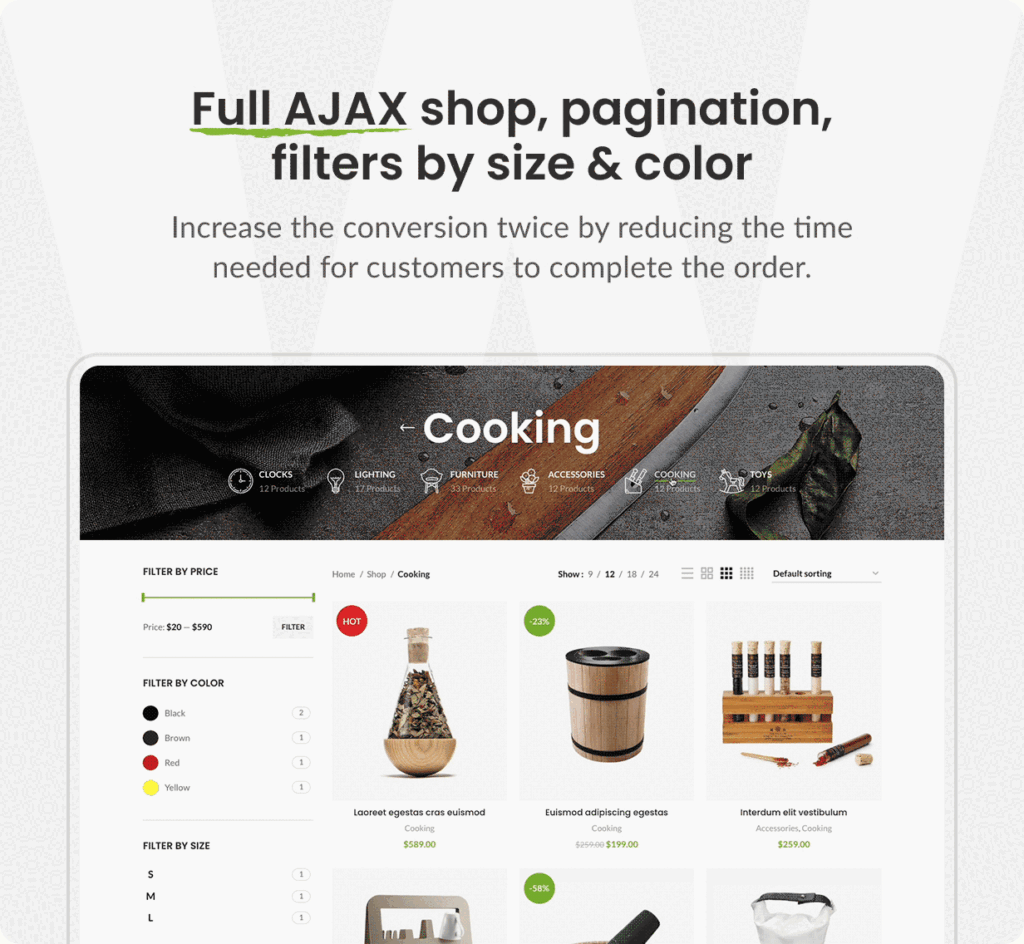
Filtering products, searching, adding to cart, updating the mini cart — all of it happens without a full page reload. It’s a small thing individually, but it adds up to a shopping experience that feels a lot closer to a native app than a typical WordPress store.
4. Mobile Experience
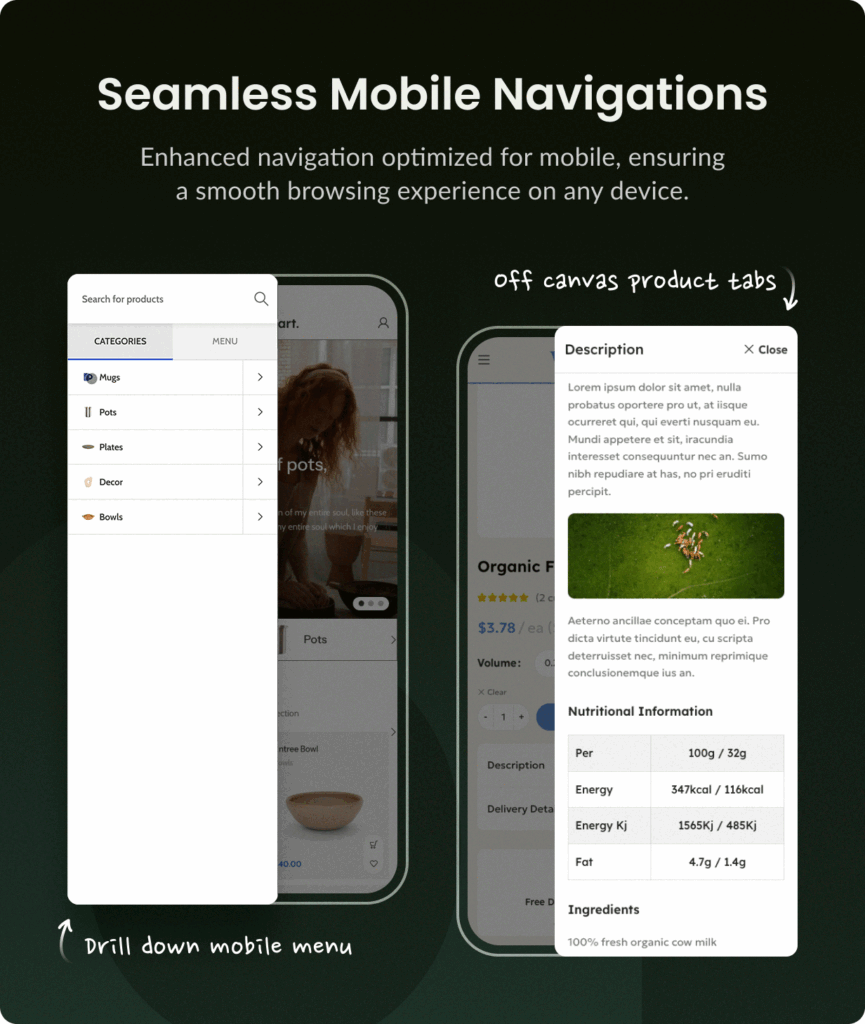
With the majority of eCommerce traffic now coming from phones, I paid close attention to this. WoodMart includes a sticky mobile bottom navbar, off-canvas filters, swipe-friendly galleries, and a separate mobile menu builder. Testing on my phone, browsing and filtering felt genuinely thumb-friendly rather than a shrunk-down desktop layout.
5. Demo Content
WoodMart ships with 100+ complete, importable demo websites and 400+ premade sections across niches like furniture, cosmetics, electronics, and marketplaces. I imported a demo close to my niche and had a presentable store running in under 20 minutes — a huge time saver if you don’t want to design from a blank canvas.

6. Multi-Vendor and Marketplace Support
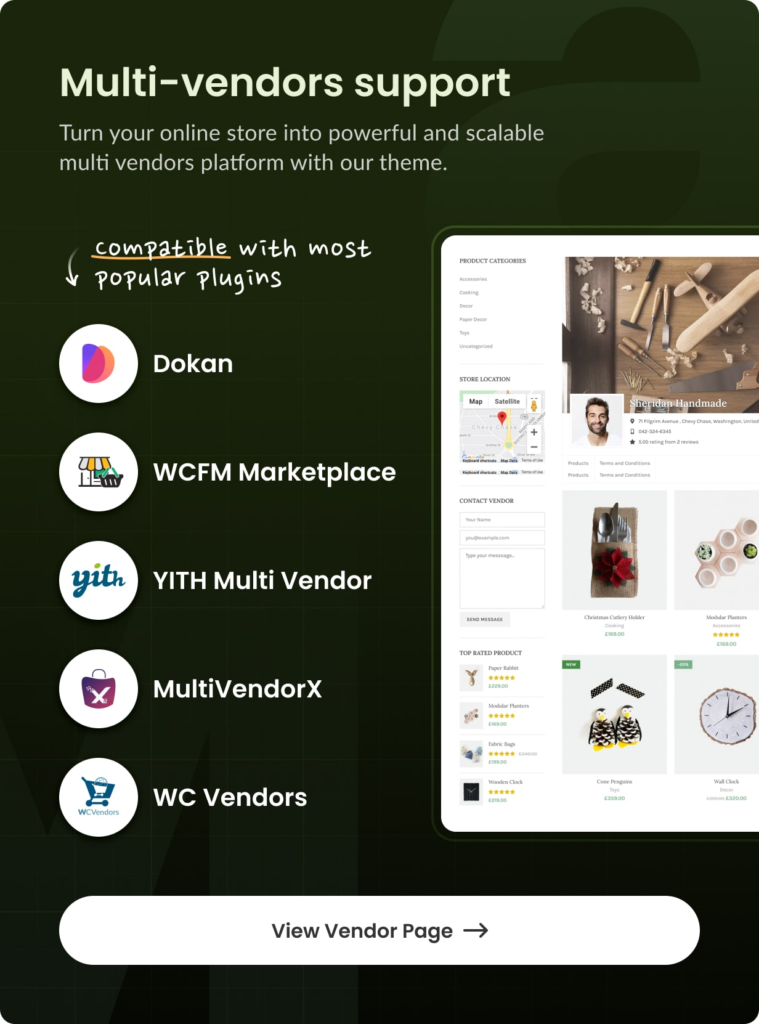
If you’re building something closer to an Etsy or Amazon-style marketplace, WoodMart supports Dokan, WCFM Marketplace, WC Vendors, YITH Multi Vendor, and MultiVendorX. Not every WooCommerce theme bothers with this, so it’s a real point in WoodMart’s favor if a marketplace is on your roadmap.
SEO: How Does WoodMart Actually Perform?
Since I’m writing this from an SEO angle, I checked this closely. WoodMart uses clean, semantic HTML, a proper heading hierarchy, and schema markup for products and reviews — which is what gives you those star ratings and pricing snippets in Google search results. It’s also compatible with Yoast SEO, Rank Math, and All in One SEO, so your existing SEO workflow drops in without a fight.
Combined with the performance optimizations mentioned above, WoodMart is doing the two things that matter most for eCommerce SEO: giving Google a clean structure to crawl, and loading fast enough to meet Core Web Vitals thresholds.
Also Read: Savoy — AJAX WooCommerce Theme Review 2026: Fast, Minimal & Built to Convert
Pricing
- Regular License: $59 (personal or single client use, end users not charged)
- Extended License: $3,999 (for products you’re going to resell or charge end users for)
- Regular license includes 6 months of support, extendable to 12 months for an added fee
For what’s included — the theme, WPBakery, the Image Optimizer plugin, 100+ demos, and lifetime updates — $59 is genuinely competitive against buying five or six separate plugins to replicate the same functionality.
What I Didn’t Love
No review is complete without the trade-offs, so here’s what gave me pause:
- It’s feature-dense. With 500+ theme settings and multiple builders, there’s a real learning curve if you’re setting up your first WooCommerce store. It’s not a five-minute job to configure everything.
- Support doesn’t cover customization. The included support handles bugs and theme questions, not building custom functionality or fixing third-party plugin conflicts — you’ll need a developer for anything beyond the theme’s built-in scope.
- It can feel like “a lot of theme.” If you just need a simple five-product store, WoodMart’s toolkit might be more than you need. Some of that power will sit unused.
Who Should Use WoodMart?
Based on my testing, WoodMart is a strong fit if you:
- Want to skip installing (and paying for) five or six separate WooCommerce plugins
- Care about page speed and SEO but don’t want to sacrifice design flexibility to get it
- Are building — or might eventually build — a multi-vendor marketplace
- Want a large library of ready-made designs to launch quickly rather than design from scratch
- Already use Elementor, WPBakery, or Gutenberg and want a theme that plays nicely with it
It’s probably not the right pick if you want an ultra-minimal, lightweight theme with a tiny feature set, or if you’re not planning to sell physical/digital products through WooCommerce at all.
Final Verdict
After actually building with it rather than just reading the sales page, I understand why WoodMart holds the #1 spot in its category. It’s not just marketing — the built-in feature set genuinely replaces plugins I’d otherwise be paying for and maintaining separately, the speed optimization is real, and the design flexibility across three page builders is rare for a theme this feature-rich.
For $59, it’s one of the more complete WooCommerce theme packages I’ve tested. If you’re serious about running a WooCommerce store — not just a hobby project — WoodMart earns its reputation.
Rating: 4.6/5 — docked slightly for the setup learning curve, not for what it delivers once you’re up and running.